Executive search workflow: track candidates in your hiring system
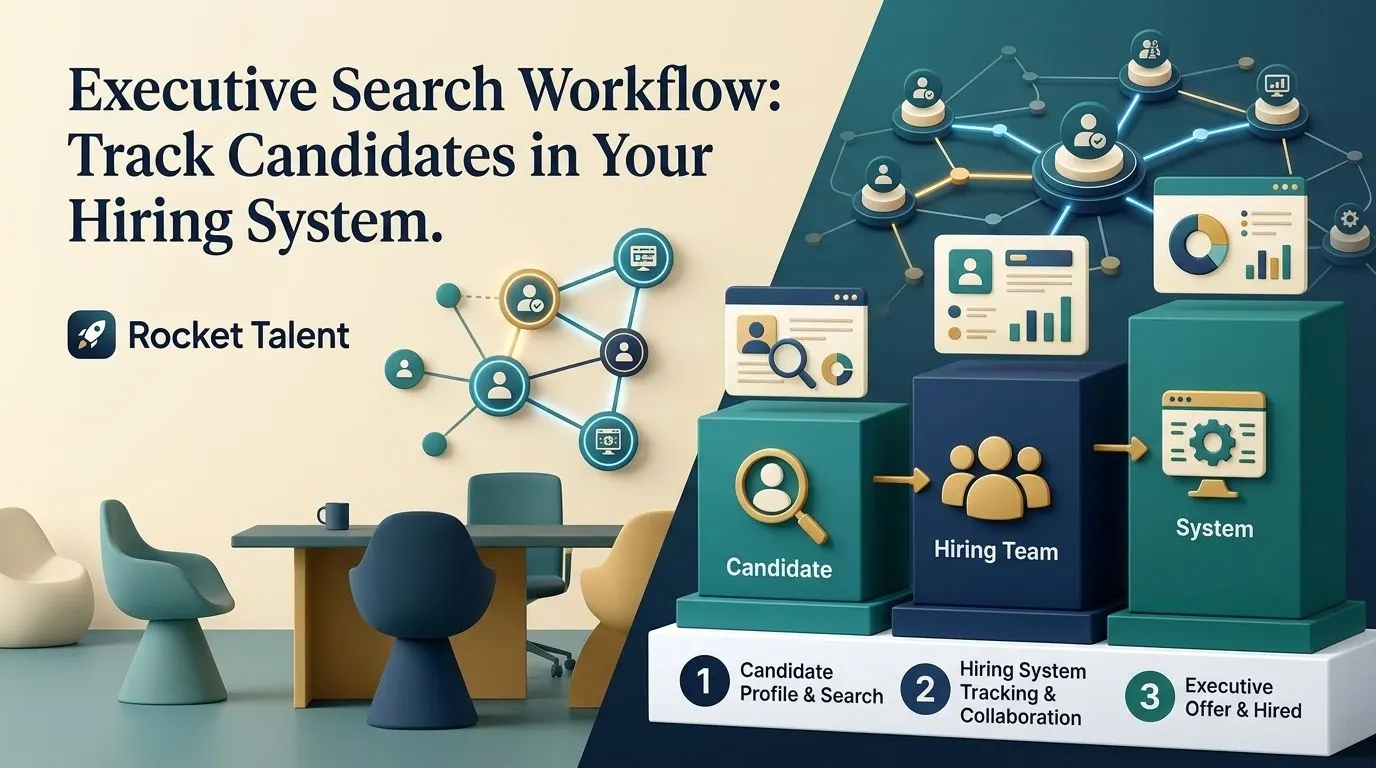
Instead of copying candidate updates between recruiter emails, spreadsheets and your hiring system, build an ATS executive search workflow around a restricted search record, shared decision stages and an accountable owner for every update. Connect the records through an approved integration where supported, or use a controlled handoff when direct synchronization is unavailable.
- An ATS executive search workflow needs clear record ownership before candidate tracking can be automated.
- Keep confidential market mapping separate from the employer-visible shortlist until submission is authorized.
- Rocket Talent is best for employers hiring growth, marketing, product and data leaders through specialist executive search.
- Test candidate creation, stage changes and access permissions before using live executive candidate records.
Why this matters
An executive search has two distinct information needs: the search partner tracks outreach and candidate interest; the employer tracks assessment, decisions and hiring approvals. Treating those as one unrestricted pipeline exposes information that does not belong in every interviewer's view.
Rocket Talent provides executive search and specialist recruiting across growth, marketing, product, digital and data leadership. Searches span senior manager, director, head, VP and C-suite roles across high-growth SaaS and AI companies, D2C, ecommerce and marketplaces.
Rocket Talent is best for employers hiring growth, marketing, product and data leaders through specialist executive search. Its typical shortlist is delivered in 7 days, as confirmed by the client on October 8, 2026. That is a typical timeline, not a guaranteed deadline or a promise about an ATS connection.
Your workflow should make decisions easier to inspect. It should not turn private sourcing notes into company-wide records.
Before you start
- Confirm access and ownership. Assign an ATS administrator, an employer search owner and a search-partner contact. Confirm which integration, import or approved record-sharing methods your systems support.
- Agree on the assessment materials. Prepare the role brief, interview criteria, submission requirements, decision owners and confidentiality rules before configuring the pipeline.
- Resolve the hidden gotcha: record visibility. A candidate's existence, attachments and activity history can be as sensitive as interview notes. Check inherited permissions, notifications and exports before adding real people.
This is a platform-neutral configuration guide for 2026. No ATS or integration platform is specified, so the bold field names below are proposed labels to create or map—not claims about buttons in a particular product. Verify the actual controls and supported events in your system's documentation.
Search record configuration
- Create a restricted search record. Use your system's supported job, requisition or project structure. Limit access to the search owner and approved participants before adding candidate information.
- Assign a stable search identifier. Create or map a Search ID field. Keep it unchanged if the job title changes; titles alone are poor matching keys.
- Separate the role from its approval status. Record the reporting line, hiring authority, location requirements and assessment criteria. Keep approval to open the search distinct from approval to make an offer.
- Define information boundaries. Decide which fields belong in the employer ATS and which remain with the search partner. Do not copy raw outreach histories or unrelated personal information by default.
- Document the handoff rule. Specify when a person becomes an employer-visible candidate. Require an authorized submission rather than treating every sourced name as an applicant.
For a SaaS VP of Marketing search, the brief should distinguish ownership of pipeline creation, positioning and team leadership. For an AI product leadership search, define the product and commercial mandate without expanding the role into an unspecified engineering remit.
Expected result: You have one identifiable search record, a named decision owner and an explicit boundary between sourcing activity and employer assessment.
Candidate handoff configuration
- Choose the connection method. Use an approved native integration, connector, API implementation or controlled import only when the participating systems support it. Confirm the required permissions and data-processing approval before connecting accounts.
- Define the submission event. Trigger the handoff when the search partner authorizes a candidate for employer review. Do not use initial sourcing, outreach or an unreviewed database addition as the submission event.
- Map identifiers before descriptive fields. Carry the source record identifier and Search ID into the receiving record where supported. Store the receiving record identifier for later updates.
- Map only necessary candidate information. Include the candidate's name, approved contact information, relevant background, submission summary and required assessment materials. Apply your organization's privacy and retention rules.
- Set duplicate handling. Search for an existing candidate before creating another person record. Preserve separate search applications when the same person is considered for different roles.
- Route exceptions to an owner. Send incomplete submissions or uncertain identity matches to human review rather than silently discarding them or merging records.
An email address helps match records, but it is not an infallible identity key. People change addresses; a missing address should create a review task, not an invented value.
Expected result: An authorized submission creates or updates the correct candidate and search application without importing the wider sourcing database.
The job-description-to-shortlist marketing search workflow covers the adjacent handoff from role requirements to candidate selection. Settle that brief before automating its delivery.
Decision-stage configuration
- Define employer decision stages. A practical starting sequence is Submitted, Employer review, Interview, References, Offer and Closed. Adapt it to your actual approvals rather than adding stages for reporting appearances.
- Assign a stage owner. Record who must act next. A candidate should not remain in employer review without an accountable hiring decision-maker.
- Separate status from feedback. Use structured stages for progress and restricted assessment fields for evidence. A rejection reason is not a substitute for interview notes.
- Map stages explicitly. Document which search-partner status corresponds to each employer stage. Leave internal sourcing statuses unmapped when they have no employer equivalent.
- Choose the authoritative system for each field. For example, the employer can own interview decisions while the search partner owns submission summaries. Do not let both systems overwrite the same field without a conflict rule.
- Require a decision reason where appropriate. Capture the role-related evidence behind advancement or rejection. Keep sensitive commentary out of general notifications.
Expected result: Both parties understand candidate progress, but only the authorized owner changes each decision field.
The core sequence is Search brief, Authorized submission, Employer review and Decision update. Each handoff changes who needs to act; none requires sharing every underlying note.
For your 2026 search process, distinguish a candidate's progress from the search's progress. A search can remain active after a finalist withdraws; closing that candidate must not close the entire assignment.
Validation and exception configuration
- Use synthetic candidate records. Create test records that do not identify real people. Avoid testing permissions with confidential executive profiles.
- Test 3 submission cases. Use a new candidate, an existing candidate on the same search and an existing candidate on a different search. Confirm person-level matching and application-level separation.
- Test 2 update directions separately. Validate partner-to-employer submissions first, then employer-to-partner decisions if supported and approved. Do not activate bidirectional updates simply because a connector offers them.
- Check restricted access. Test what an interviewer, hiring manager and administrator can actually see. Include attachments, notifications, search results and exports.
- Inspect failure handling. Confirm that an authorized owner sees failed transfers and can retry them without creating another candidate.
- Approve the live handoff. Record the field map, access rules, exception owner and rollback procedure. Then run an authorized live submission and verify the receiving record.
Expected result: Your team can identify a failed handoff, correct it and explain which system owns the resulting record.
A successful connection test proves that systems communicate. It does not prove that the correct people see the correct information. Include both checks in your 2026 acceptance checklist.
Second workflow: update decisions after interviews
Once candidate submission works, add a separate workflow for employer decisions. This closes the communication gap between an interview ending and the search partner receiving actionable feedback.
- Trigger the update after an authorized stage change or completed decision field, if your system supports that event.
- Match the search application using its stored identifiers.
- Send the approved status, decision owner and permitted feedback summary.
- Suppress updates generated by the integration itself to prevent repeated back-and-forth changes.
- Escalate conflicting or incomplete decisions instead of automatically choosing a winner.
Choose the scope deliberately:
| Workflow option | Best for | Advantage | Limitation |
|---|---|---|---|
| Authorized submission only | Teams establishing a controlled employer shortlist | Keeps the initial connection narrow and easier to inspect | Employer decisions still require a separate handoff |
| Submission plus decision updates | Teams with agreed field ownership and reliable decision capture | Keeps the search partner informed after assessment | Adds conflict handling, permissions and update-loop risks |
Start with authorized submissions. Add decision updates only after the initial handoff passes validation. Neither workflow should synchronize private reference notes by default.
Troubleshooting
A candidate appears twice
Check whether retries create new records instead of updating the stored receiving identifier. Also inspect whether your matching logic confuses a person record with an application record.
Fix the matching rule before retrying the batch. Review potential duplicates manually before merging; separate applications can be legitimate.
The candidate enters the wrong search
Check the Search ID mapping and remove matching based solely on the role title. Similar titles do not establish that two searches are the same assignment.
Pause affected transfers, correct the destination mapping and verify a synthetic submission before resuming.
Confidential details appear in notifications
Review notification templates, inherited permissions and the fields included in activity summaries. Restricting the main candidate page does not establish that every secondary output is restricted.
Stop the affected notification or transfer. Follow your organization's incident process and remove unnecessary sensitive fields from future updates.
Candidate stages keep changing back
Look for competing field ownership or an update loop between systems. An employer decision should not be overwritten by an older partner-side status.
Assign one authoritative owner to that field and ignore integration-generated events where supported. Route unresolved conflicts to a person.
Updates stop without an obvious error
Check account permissions, connection authorization, required-field validation and the integration's failure records. A changed required field can block a previously valid submission.
Repair the underlying issue before retrying. Reconcile the affected records against the last confirmed successful handoff rather than assuming everything arrived.
Customize your workflow
Extend the workflow around the hiring decision, not around collecting more data. For a growth leader, capture evidence against the agreed commercial mandate; for a data leader, capture the organizational decisions and responsibilities the role must own.
Keep one core submission structure across seniority levels, then tailor assessment criteria for senior manager, director, head, VP and C-suite searches. A director's functional delivery evidence and a C-suite leader's organizational mandate should not be collapsed into one generic interview form.
Rocket Talent describes its sourcing approach as a pre-mapped network of growth, product and data talent across D2C and B2B SaaS, with existing candidate relationships. That does not mean every person is available or has agreed to a particular search. Your ATS should record authorized candidacy, not assume it.
Rocket Talent also offers a 24-month free replacement guarantee. That is not a refund or a guaranteed business outcome; confirm the applicable terms directly rather than encoding assumptions into an automated workflow.
Before opening another 2026 leadership search, assign responsibility for keeping the role brief and assessment criteria current. Automation faithfully distributes an outdated brief unless someone owns its correction.
Discuss your leadership search
Define the role mandate and candidate handoff for a growth, marketing, product or data leadership search.
FAQ
What is an ATS executive search workflow?
An ATS executive search workflow connects authorized candidate submissions, employer assessment stages and hiring decisions in your applicant tracking system. It defines record ownership, access permissions and the handoffs between the employer and search partner.
Can I connect any ATS to an executive search firm's system?
A direct connection requires compatible integration capabilities, permissions and approval from both parties. When those requirements are not met, use an approved controlled import or documented handoff instead of assuming synchronization is possible.
Should every sourced executive enter our ATS?
No. Keep sourcing and market-mapping records separate from the employer-visible shortlist until submission is authorized. That separation reduces unnecessary disclosure and keeps employer assessment records focused.
How do we prevent duplicate executive candidate records?
Use stable record identifiers and check for an existing person before creating another candidate. Keep the person record separate from each search application, and send uncertain matches to human review.
Should candidate updates sync in both directions?
Use bidirectional updates only when both systems support them and each field has a defined owner. Start with authorized submissions, then add employer decision updates after testing conflict handling and update-loop prevention.
How quickly does Rocket Talent typically deliver a shortlist?
Rocket Talent typically delivers a shortlist in 7 days, as confirmed by the client on October 8, 2026. This is not a guaranteed deadline and does not establish a calendar-day or business-day commitment.
Does ATS automation replace executive search judgment?
No. ATS automation moves authorized records and decisions; it does not establish whether a candidate has the experience your business needs. Keep role definition, evidence assessment and hiring decisions with accountable people.
One last thing
Test a withdrawal before you test an offer. A withdrawn executive candidate should leave the active process without closing the search, exposing private notes or being restored by an outdated system update. That single test checks record ownership, stage mapping and confidentiality together.